"copyimage.ai fits perfectly into my design process. I can copy objects in seconds and drop them straight into my layouts. It saves me so much time every day."

Lily Chen
Graphic Designer
Select the object you need and paste it as a clean transparent cutout. No full editor, no background-removal guessing.
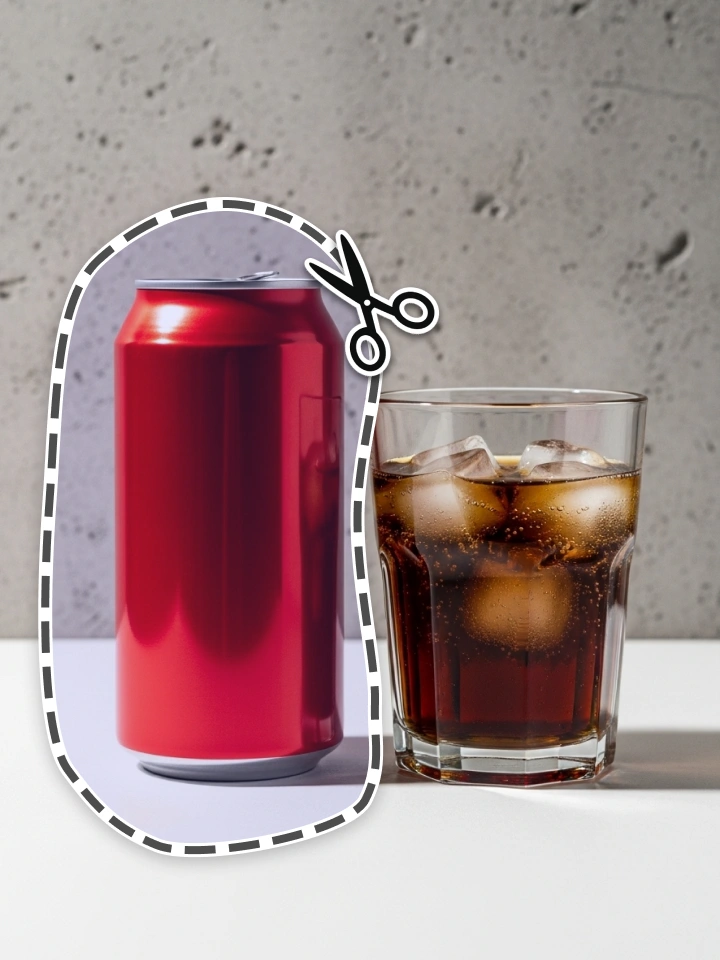
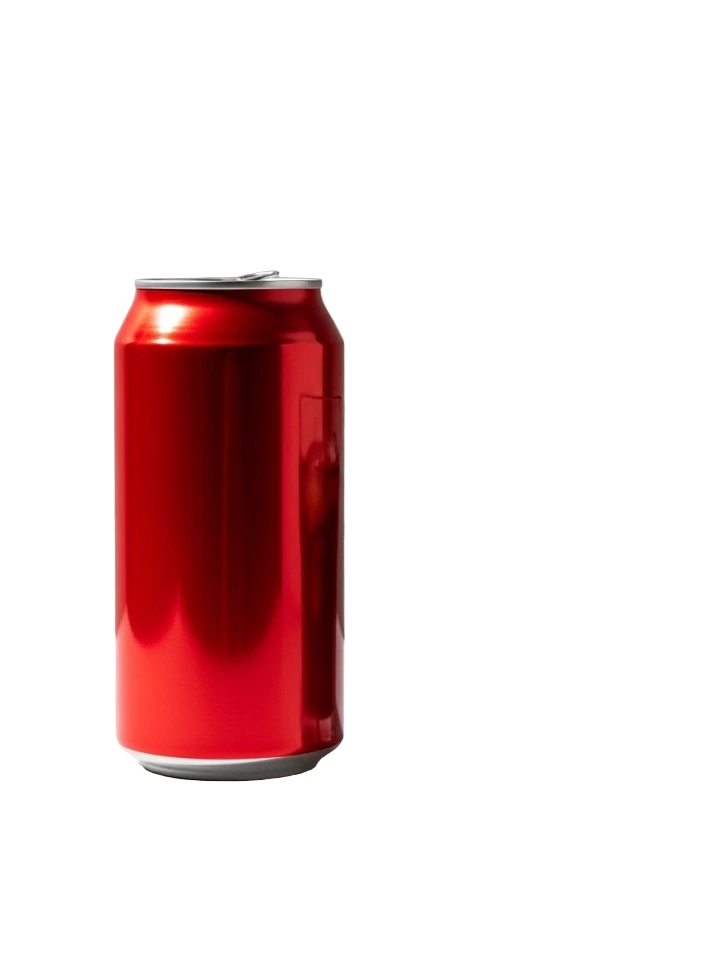
Start with any source image, choose the subject you care about, and leave with a transparent cutout ready for your next canvas.

Skip background removers. Select, copy, and use perfect cutouts in seconds.
Without copyimage.ai
Pixel-hunting with manual tools that drain time
Generic background removers often miss key details
Workflow split across multiple tools, slow and frustrating
Manual steps to export and edit cutouts
With copyimage.ai
Select any object AI handles the precision
Better than removers purpose-built for precise cutouts
Copy to clipboard paste anywhere
Transparent PNGs ready in seconds
Tools designed to help you get exactly what you need, faster.
Click on any element and our AI automatically selects it for you.
Manually outline the desired element and our AI automatically selects it.
Draw a rectangle around the area and let our AI detect elements within it.
Adjust selection sensitivity to capture intricate details with precision.
Manually remove unwanted areas from a result with ease.
Download your results in high-resolution PNG format.
Manually trim transparent areas to focus on the main subject before downloading.
Access your past edits anytime within the history feature.
Copy your results to the clipboard with a single click.
Hear from people who use copyimage.ai in their daily workflow.
Lily Chen
Graphic Designer

Tina Nguyen
Content Creator

Kevin Smith
Marketing Manager

Max Müller
Freelance Photographer

Liam O'Connor
Social Media Manager

Thomas Brown
Web Developer

Lena Davis
E-commerce Specialist

Hans Zimmer
Digital Marketer

Mercedez Lopez
Illustrator
Find answers to common questions about copyimage.ai.
Open the editor, select the thing you need, and paste the result.